iPhone Duo
Closed or open,
the same task.
Timelogger Plus is made for both of iPhone Duo's displays. Start a stopwatch on the outer display, open it, and the task is right where you left it, with your whole list beside it.


Closed
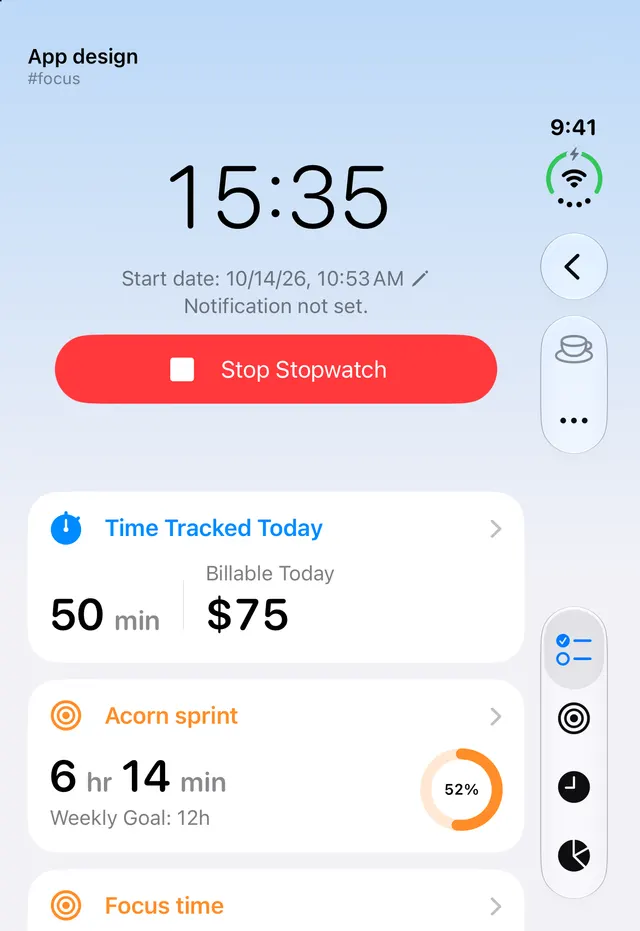
Quick timers
on the outer display.
The outer display shows the same task details as an iPhone: the running time, today's total and the stop button, with the tab bar along the side.
Open
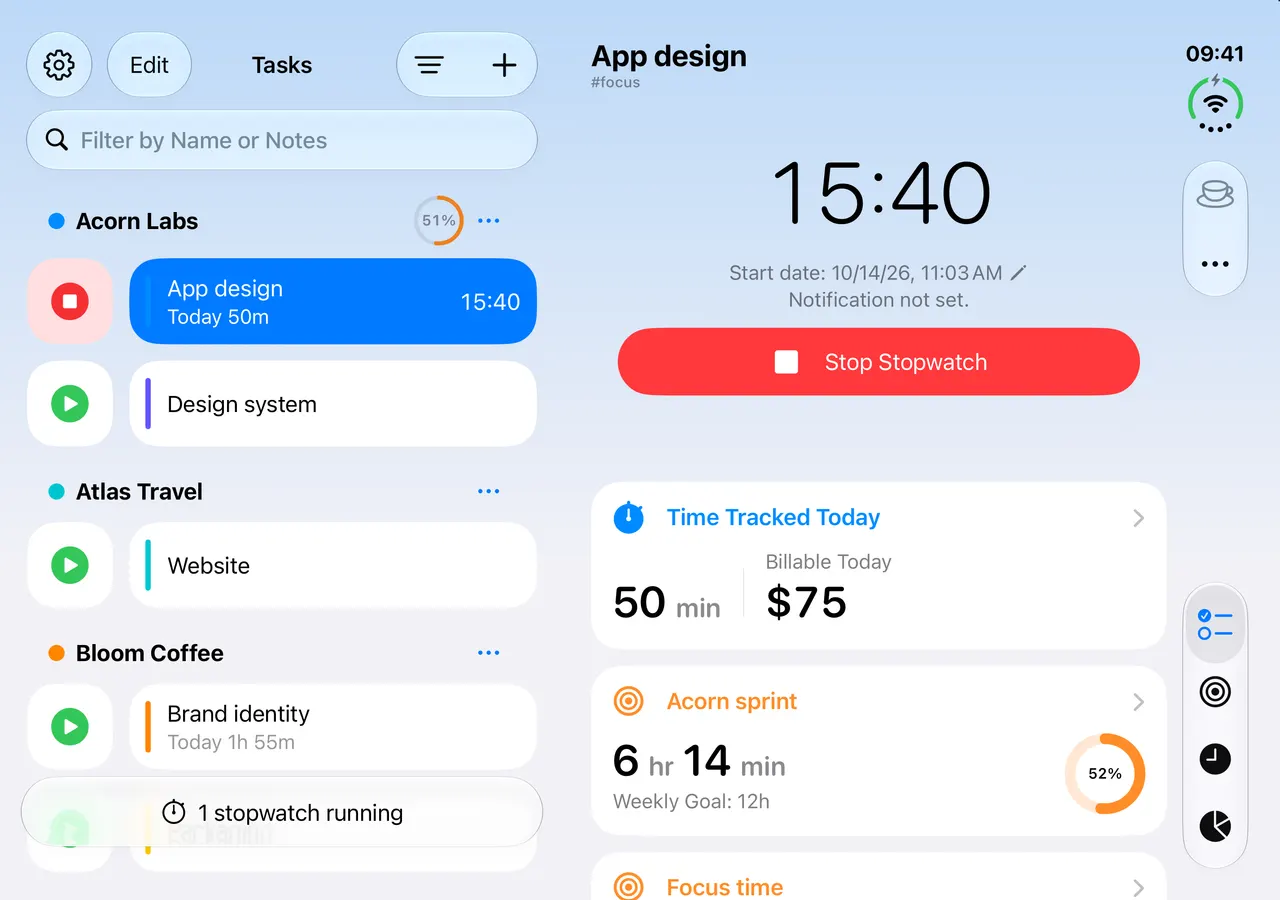
Your list and
its details, side by side.
Open the Duo and the task you were looking at stays on the right, with every task and folder on the left. Pick another and the details follow.
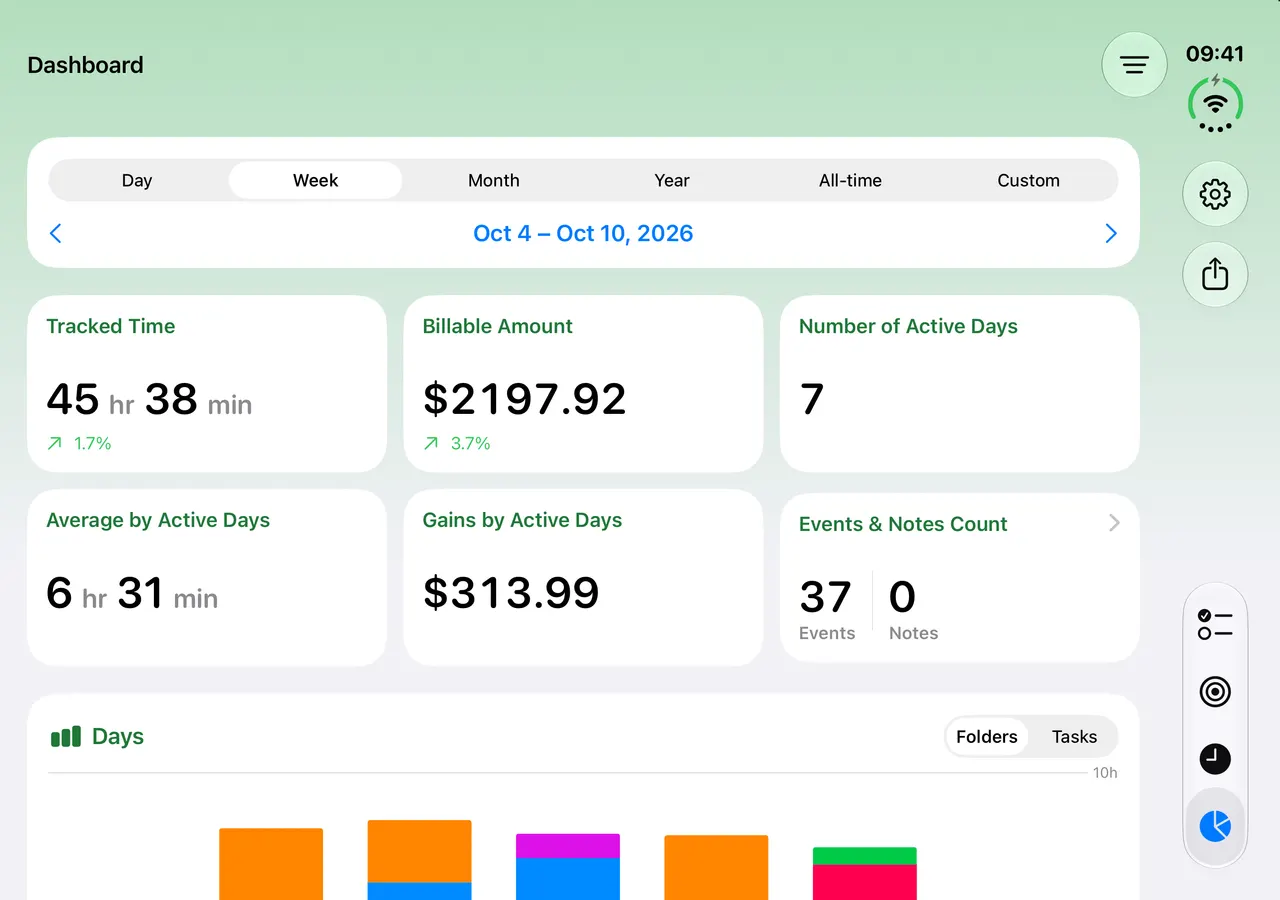
Dashboard
A dashboard
across the whole screen.
On the inner display the dashboard has room for everything at once: the figures, the chart and the distribution.
Every hour,
accounted for.
Free to download. Premium adds iCloud sync, hourly rates and more, monthly, yearly or once for life.